
Montessori campuses don’t dismiss like traditional K-12 schools. Mixed-age classrooms, staggered release times, smaller footprints, and family-driven pickup norms mean a one-size-fits-all school dismissal software often creates more friction than it solves. If you’re evaluating a carpool app for schools for a Montessori campus, here’s what actually matters — and how to think about it.
Why Montessori Dismissal Is Different
Most student pickup systems are built around a single grade-level release bell and a long line of cars moving through one lane. Montessori schools rarely work that way:
- Multi-age classrooms often release on different schedules
- Smaller campuses may have multiple entry/exit points instead of one carpool lane
- Parents and caregivers (not just assigned drivers) frequently rotate pickup duty
- Independence-focused pedagogy means older students may self-release while younger ones need direct handoff
A generic school carpool software built for a 1,200-student public elementary won’t map cleanly onto a 90-student Montessori campus with three classrooms and two release points. That’s the gap worth solving for.
What to Look for in a School Pickup System
When comparing a dismissal app for schools, Montessori administrators should prioritize:
1. Flexible release groups, not just grade levels. A good student dismissal system should let you group by classroom, age band, or custom release cohort — not force every student into a rigid grade-based queue.
2. Real-time visibility without added complexity. Staff need to see who’s arrived and who’s approved to release, without a dashboard built for a scale you don’t have. This is where much of school dismissal management software over-engineers for large campuses and becomes clunky for smaller ones.
3. Verified, flexible authorization. Because Montessori pickup rosters change often (grandparents, co-ops, rotating caregivers), your carpool management for schools tool should make it fast to add or swap an authorized pickup person — without a multi-step admin approval every time.
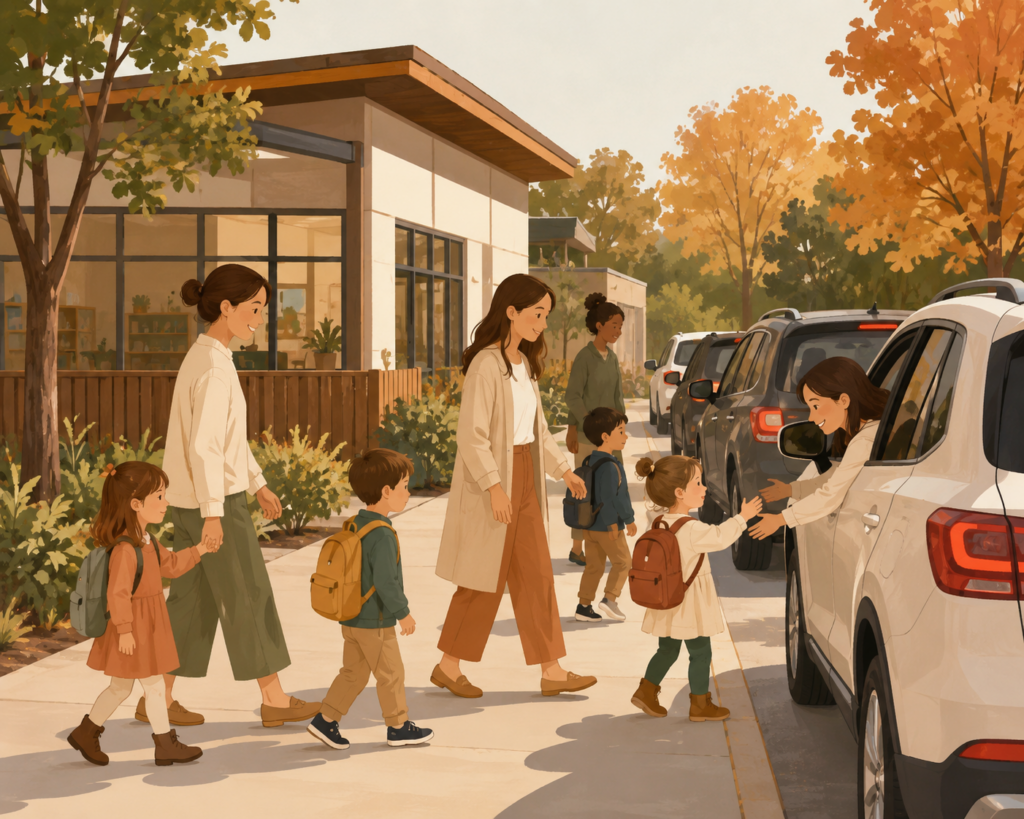
4. A calm dismissal experience, not just a fast one. Speed matters, but Montessori philosophy generally favors order and low stress over pure throughput. A pickup system for schools that just moves cars faster isn’t automatically the right fit if it turns dismissal into a rushed, impersonal handoff.
PikMyKid Alternative or Pickup Patrol Alternative — Do You Need One?
Many Montessori schools start with off-the-shelf platforms and outgrow them fast. If you’re searching for a PikMyKid alternative or a Pickup Patrol alternative, it’s usually because of one of three things:
- The platform assumes a single-lane, single-schedule dismissal model
- Pricing scales for larger enrollment and feels disproportionate for a small campus
- Customization for classroom-based (rather than grade-based) release is limited or absent
Comparing PikMyKid vs Carpool-style platforms, the deciding factor for most small independent schools isn’t feature count — it’s whether the tool bends to your actual release workflow or forces your workflow to bend to it.
How School Dismissal Software Works, Practically
At a basic level, most school dismissal management platforms follow the same core loop:
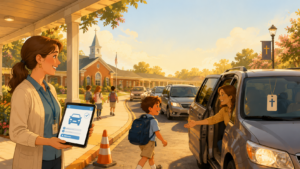
- Parent/caregiver checks in on arrival (app, tag, or geofence trigger)
- Staff sees a live queue of arrived, authorized pickups
- Student is called or walked to the release point
- Pickup is logged for safety and recordkeeping
The differentiator for elementary school carpool systems and private school dismissal software isn’t step 1–4 — it’s how much manual coordination each step still requires once caregivers, classrooms, and release points don’t follow a single pattern.
School Pickup Safety Tips Worth Building Into Any System
Regardless of which k-12 dismissal software you choose, a few practices reduce risk at any campus size:
- Require photo ID or app-based verification for new or occasional pickup people
- Keep an always-current authorized pickup list, editable same-day
- Use real-time status (arrived / called / released) instead of paper sign-out sheets
- Build in a manual override process for emergencies or schedule changes
These school dismissal best practices apply whether you’re running a 90-student Montessori campus or a much larger school carpool program.
How to Reduce Carpool Line Time on a Small Campus
Line length isn’t only a big-school problem. Even a short line feels long on a compact campus with limited turnaround space. A few ways to cut it down:
- Stagger release by classroom rather than releasing all students at once
- Pre-verify pickup authorization before the car arrives, not at the curb
- Use live arrival notifications so staff can prep the next release before the car pulls up
This is the practical answer to how to reduce carpool line time without repaving your parking lot or adding staff.
Choosing the Best Carpool App for Schools Your Size
The best school dismissal software for a Montessori campus is rarely the platform with the most enterprise features — it’s the one that matches your actual release model, your caregiver mix, and your campus footprint. Before choosing between apps like PikMyKid or a purpose-built alternative, walk through your current dismissal process step by step and note every point where staff currently improvise. That list is your real feature requirement — more reliable than any vendor comparison chart.
If you’re currently managing pickup with paper lists, radios, or a spreadsheet, almost any after school pickup system built for flexible, small-campus workflows will be a meaningful upgrade. The goal isn’t the fanciest dashboard — it’s a dismissal process that’s safe, calm, and easy for staff to run every single day.