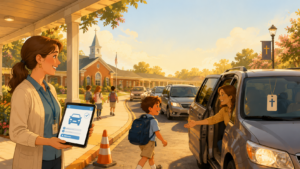
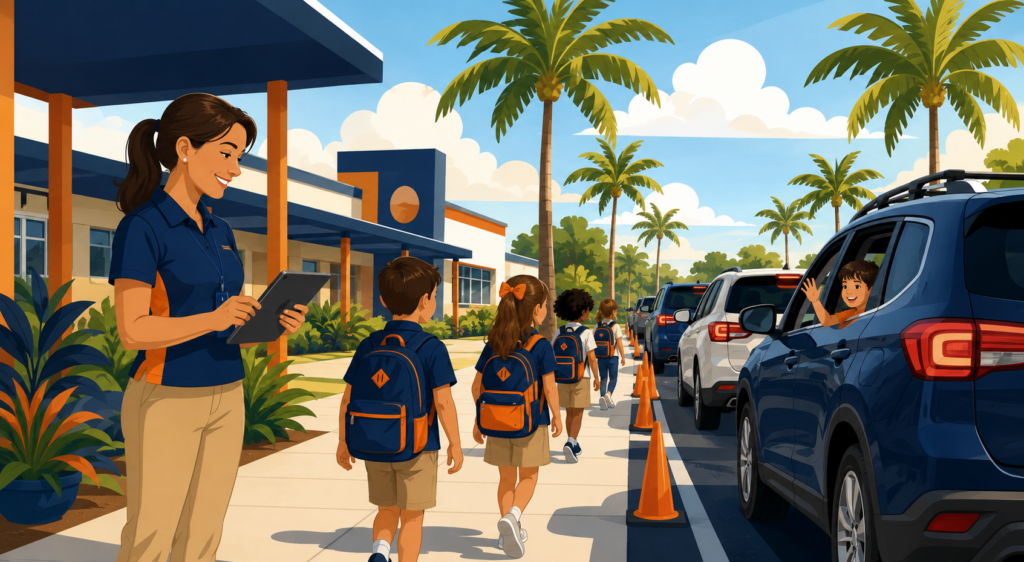

Every Florida principal knows the sound of dismissal: idling engines, walkie-talkie static, a line of cars stretching past the flagpole. It’s one of the highest-risk, highest-visibility parts of the school day — and it’s also one of the easiest to modernize. The right dismissal software turns a 45-minute scramble into a 15-minute routine, while giving front-office staff a clear digital record of exactly who picked up which child, and when.
This guide breaks down what dismissal software actually does, the features that matter most for Florida schools specifically, and how the leading platforms compare — so you can walk into your next operations meeting with a shortlist instead of a stack of sales decks.
Why Dismissal Software Matters in Florida Schools
Florida’s public, charter, and private schools face a few conditions that make digital dismissal tools especially valuable:
- Fast-growing districts. Counties like Broward, Palm Beach, Hillsborough, and Orange continue to add students faster than parking lots can expand, which means carlines only get longer without a better process.
- Heat and severe weather. Long outdoor dismissal lines are a real concern during Florida’s hot months and hurricane season, when schools need to compress dismissal time and communicate schedule changes instantly.
- Safety and custody accountability. With shared custody arrangements and approved-pickup lists common across Florida families, schools need a verifiable digital record — not a clipboard — of who released each child and to whom.
- Staff shortages. Front-office and paraprofessional staff are stretched thin. Automating dismissal frees them up for higher-value work during the day.
The bottom line: dismissal software isn’t a luxury add-on anymore — it’s becoming a baseline operational tool, the same way schools now expect digital attendance and visitor management.
What to Look For
Not all dismissal platforms are built the same. When evaluating vendors, Florida schools should prioritize:
1. No new hardware required
Look for platforms that run on devices staff and parents already have — phones, tablets, existing classroom computers — rather than requiring proprietary scanners or kiosks.
2. Real-time parent communication
Parents should be able to notify the school the moment they arrive, and staff should be able to push instant alerts for early releases, delays, or weather-related schedule changes.
3. Verified pickup and custody controls
The system should track approved guardians, flag unauthorized pickup attempts, and create a timestamped digital record for every release — useful both for daily safety and for custody documentation.
4. Multi-mode dismissal support
Car line, walkers, bus riders, and after-school programs are often managed separately. A strong platform unifies all of them in one dashboard instead of forcing staff to juggle multiple systems.
5. Emergency and severe-weather readiness
Given Florida’s hurricane season, the ability to trigger mass notifications or shift the entire school to an early or modified dismissal in a few taps is a meaningful advantage over generic dismissal tools built for other regions.
Top School Dismissal Software Options
Here’s how the platforms most commonly used by Florida schools stack up:
Editor’s Pick
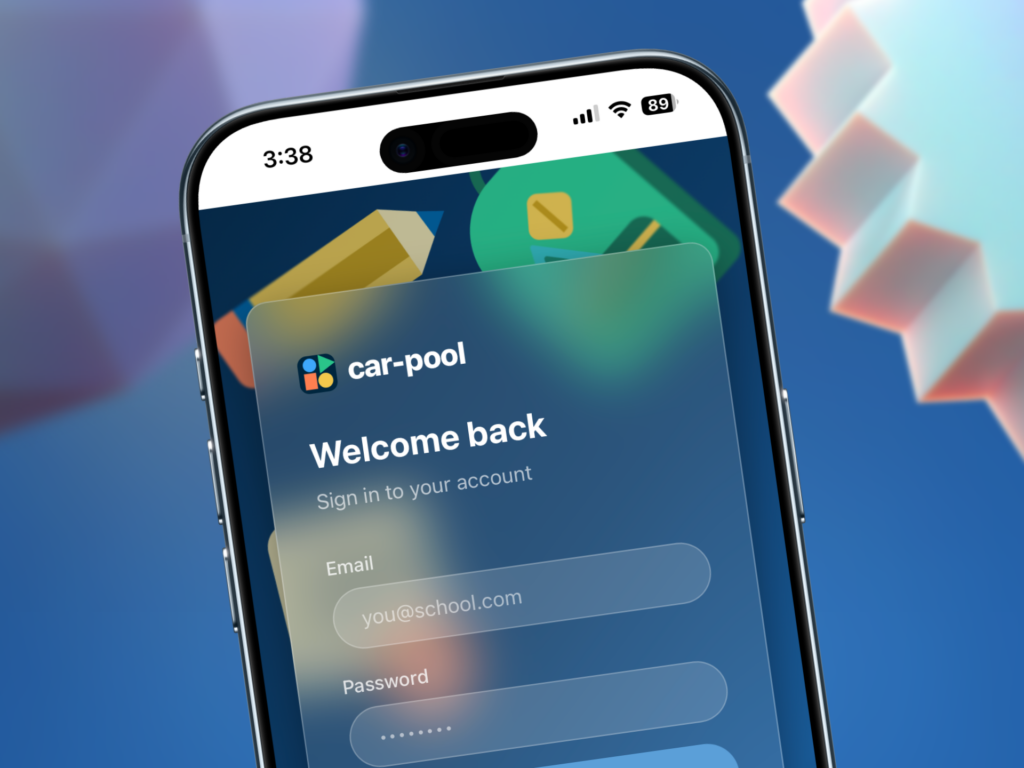
Car-Pool (car-pool.app)
Car-Pool is a purpose-built dismissal and carpool management platform designed for private schools, elementary schools, and K-12 institutions that want carline chaos gone for good. Its standout feature is automatic geofenced check-in: as a parent’s car approaches campus, Car-Pool detects the arrival and instantly notifies staff and classrooms — no calling, texting, or tapping required from parents. Staff get a live dismissal dashboard with a simple Waiting → Called → Picked Up flow, tap-to-call students to the line, and classroom display boards that keep everyone synced in real time.
Other notable features include assigned-driver permissions so parents can securely designate alternate pickup drivers, an emergency button for instant parent and staff notification during lockdowns or unexpected situations, and a FERPA-aware, encrypted (TLS/AES-256) architecture. Setup is fast — most schools go live within a few days, with no IT team required. Car-Pool is currently offering free access for a limited group of early-access schools, making it one of the lowest-friction ways for a Florida school to modernize dismissal this year.
Other Options
Pikmykid
A widely adopted K-12 dismissal and safety platform used by thousands of schools nationwide, including many in Florida. It combines dismissal management, real-time parent messaging, and emergency tools without requiring extra hardware. Schools using it report meaningfully shorter car line times for both parents and staff.
Schoolhouse Driveline
A dismissal system with a strong presence across Florida, including high-traffic campuses in Miami, Tampa, Orlando, and Jacksonville, plus suburban districts in Broward, Palm Beach, and Sarasota counties. Built specifically around streamlining car line traffic and reducing staff stress during peak dismissal.
CurbSmart
Designed to replace manual carline coordination with a system staff can learn in minutes. Offers customizable workflows and real-time parent notifications, with reported reductions in car line wait time.
KIDaccount
Bundles car line management with classroom communication, bus tracking, and after-school program check-in — a good fit for schools that want one platform covering the full dismissal picture, not just the car pickup line.
School Dismissal Manager / SchoolPass
Long-standing dismissal management tools offering car line automation, digital sign-in/sign-out, and mobile access for staff and families. Often evaluated alongside Pikmykid as a direct comparison point.
How to Choose the Right Fit for Your School
- Map your current dismissal modes. List every way students leave — car line, walkers, buses, after-school pickup — and confirm the platform handles all of them, not just the car line.
- Ask about hurricane-season protocols. Request a demo of how the vendor handles mass early-dismissal notifications specifically.
- Involve front-office staff in the demo. They’ll spot friction points that administrators might miss.
- Check integration with your SIS. A platform that syncs with your existing student information system will save significant setup time.
- Pilot before district-wide rollout. Run one campus for a grading period before committing across multiple schools.