
If your school already uses a dismissal platform, you’ve solved the easy part of the problem. Digital car tags, parent notifications, a carpool app for schools that beats the old clipboard — those features are now standard across the category. The harder question, and the one that sends administrators looking for a PikMyKid alternative, is different: when dismissal is actually happening, can everyone on your team see the same accurate picture in real time?
That distinction matters more than it sounds. A lot of dismissal software is excellent at recording what happened and only adequate at coordinating what’s happening right now. For schools running large, fast, multi-mode dismissals — carpool, walkers, buses, and aftercare all at once — the gap between “logged” and “live” is where the bottlenecks, the missed pickup changes, and the long carpool lines come from.
This guide looks at what real-time operations actually means in a student pickup system, how modern dismissal workflows differ from legacy ones, and what to evaluate if you’re comparing alternatives to your current tool.
What “Real-Time Operations” Actually Means
The phrase gets used loosely, so it’s worth being precise. Real-time operations in a dismissal app for schools means that the state of dismissal — who’s been called, who’s still waiting, who’s been released, and any changes to the plan — is visible to everyone who needs it, the instant it changes, without anyone having to ask.
Picture the difference. In a slower system, a parent arrives, the front office checks them in, and that information has to travel to the classroom — by intercom, walkie-talkie, or an app that updates on a delay. The teacher releases the student, and confirmation has to travel back. Every hop introduces lag, and lag is what backs up the carpool line.
In a genuinely real-time system, the moment a parent is checked in, the right classroom sees the student’s name appear on a live queue. The moment that student is sent out, the office sees it. No one is calling to confirm, no one is reading names off a list that’s already out of date. The whole school is working from one synchronized view. That shared, live awareness is the single biggest difference between modern school dismissal management and the legacy approach.
Where Legacy Dismissal Workflows Fall Short
Legacy systems — and this includes some well-known platforms as well as homegrown setups — tend to share a few weaknesses that only show up under pressure.
They optimize for the parent app, not the staff workflow. Many tools put enormous polish into the parent-facing experience and leave the staff side feeling like an afterthought. But dismissal speed is determined by staff coordination, not by how nice the parent’s app looks.
They handle the happy path well and the exceptions poorly. On a calm day with no changes, almost any system works. The test is the day with a substitute teacher, a last-minute pickup change, and a long line. Legacy workflows often force those exceptions back into manual phone calls and notes — exactly the chaos the software was supposed to remove.
Their visibility is fragmented. The office sees one thing, teachers see another, and administrators have no live dashboard at all. When the line backs up, no one can quickly say why, because no one has the whole picture.
Updates lag. Even a 30-second delay between a parent arriving and a teacher seeing it, multiplied across hundreds of students, adds up to a noticeably slower dismissal and a longer carpool line.
None of this means legacy tools are bad — many schools run them successfully for years. It means that if real-time coordination is your priority, it’s worth checking whether your current platform was actually built for it or just markets that way.
What a Modern, Real-Time Dismissal Workflow Looks Like
A modern dismissal flow is built around a single shared source of truth that updates instantly. In practice, that looks something like this.
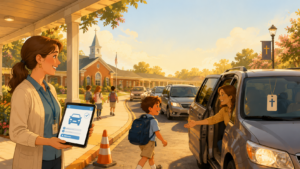
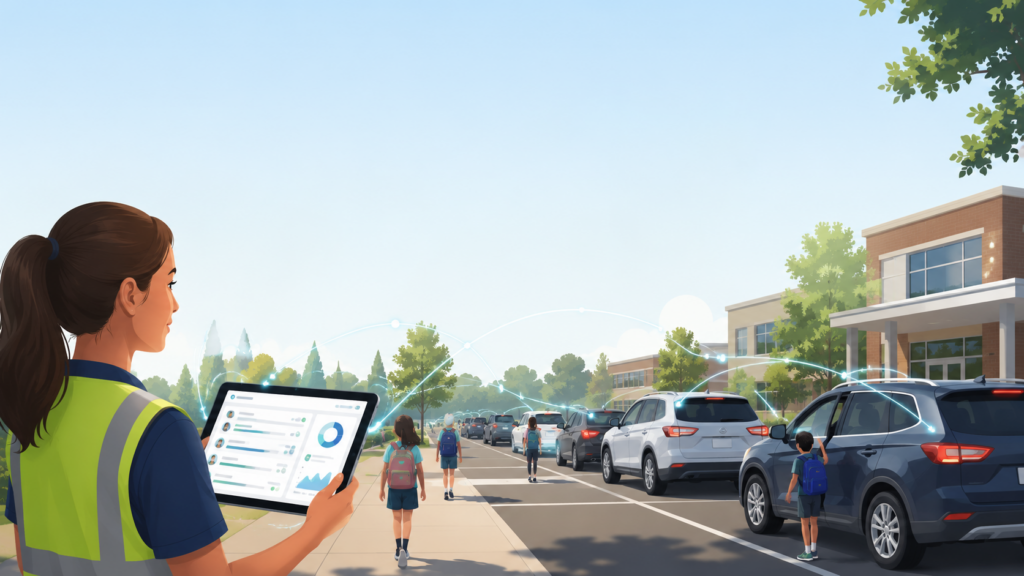
Parents signal arrival — through an app, a license-plate scan, or a quick check-in at the lane. That arrival immediately populates a live dismissal queue. Each classroom or holding area sees, in real time, exactly which of its students have been requested and in what order, so teachers can stage kids efficiently instead of reacting to announcements. As students are released, staff mark them out with a tap, and that status propagates instantly back to the office and to any administrator watching the dashboard.
Pickup changes flow through the same single channel. A parent reporting that a grandparent will collect their child today doesn’t generate a phone call to the front office — it updates the record everyone is already looking at, with the authorization rules enforced automatically. And throughout, an administrator can watch a live operational view: how many students remain, how fast the line is moving, where the holdups are.
The result is a dismissal that runs on shared information rather than relayed messages. That’s what reduces carpool line time, and it’s the capability worth testing hardest when you evaluate any alternative.
Comparing Alternatives Without Getting Lost in Feature Lists
When schools research apps in this category — whether comparing PikMyKid vs other carpool tools or weighing a Pickup Patrol alternative — the feature lists all start to blur together. Almost everything claims notifications, car tags, and reporting. Here’s how to cut through it.
Test the exception, not the demo. Demos always show the smooth path. Ask each vendor to walk through what happens on a chaotic day, and ideally pilot the tool during a real, normal school week.
Watch the staff side, not just the parent app. Sit with the front office and a teacher during the pilot. If both can always see the current state without asking each other, the system is genuinely real-time. If they’re still calling and confirming, it isn’t.
Check the administrator’s view. Is there a live operational dashboard, or only after-the-fact reports? Real-time operations require the former.
Confirm it handles your full mix. Carpool, walkers, buses, aftercare, athletics — a strong K-12 dismissal software coordinates all of them in one flow rather than treating each as a separate silo.
Measure rollout support. The first two weeks determine whether staff and parents actually adopt the tool. Responsive onboarding support is worth more than any single feature.
Best Practices That Make Any System Faster
Software amplifies good process; it can’t replace it. A few school dismissal best practices speed things up regardless of which platform you choose.
Stagger releases by grade or division where your facility allows, so you never funnel everyone into the line at once. Define clear staff roles for the dismissal window and brief substitutes on them before the bell. Route every pickup change through one predictable channel so nothing arrives by surprise. And review your dismissal data regularly — even glancing at average release times each week will surface where the process is getting stuck, which is the first step to fixing it.
Schools that combine a real-time system with a deliberately designed process are the ones that turn dismissal from a daily scramble into a quiet, predictable routine.
The Bottom Line
The best reason to look for a PikMyKid alternative isn’t a missing feature — it’s a missing capability. If your current dismissal app records the day accurately but leaves your staff relaying messages and guessing at the state of the line, you’re carrying the operational cost of a legacy workflow even with modern-looking software.
What separates a real-time student pickup system is simple to state and hard to fake: everyone who needs the picture sees the same one, instantly. Evaluate alternatives on that, pilot them on your messiest day, and let the carpool line tell you the truth. A school dismissal that runs on shared, live information is faster, safer, and far less stressful — and once your team experiences it, the old way of relaying names down a hallway starts to feel unimaginable.